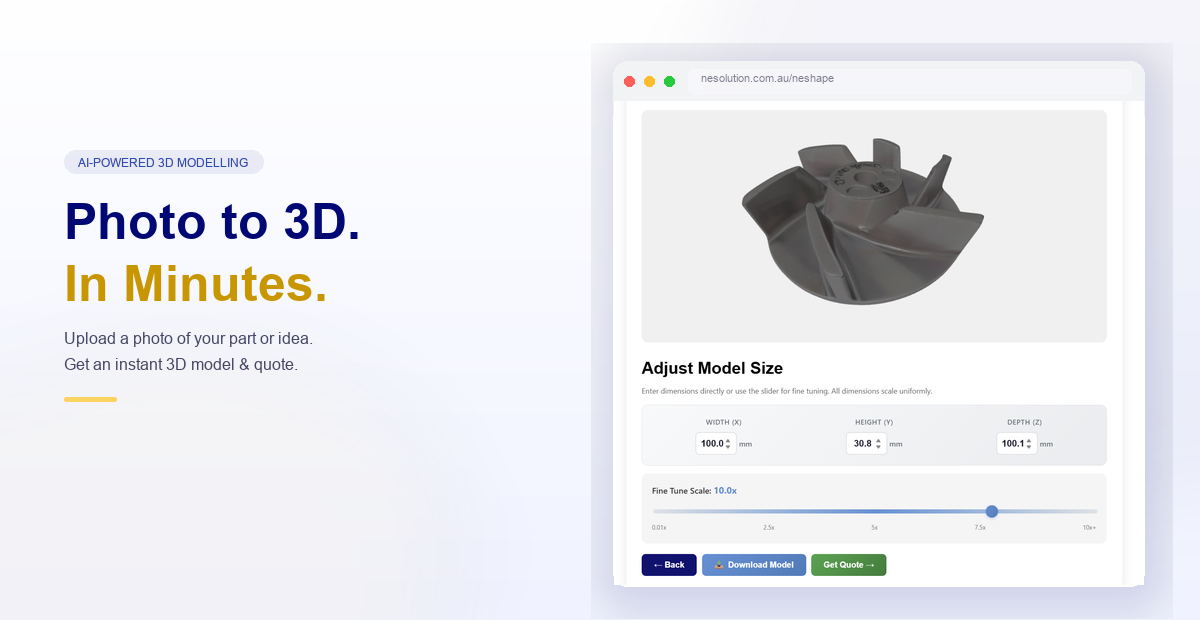
Turn a photo into a 3D model — ready to quote and print.
Upload an image of your part, component, or idea. Our AI generates a detailed
3D model in minutes, automatically prepared for instant 3D printing quotes.
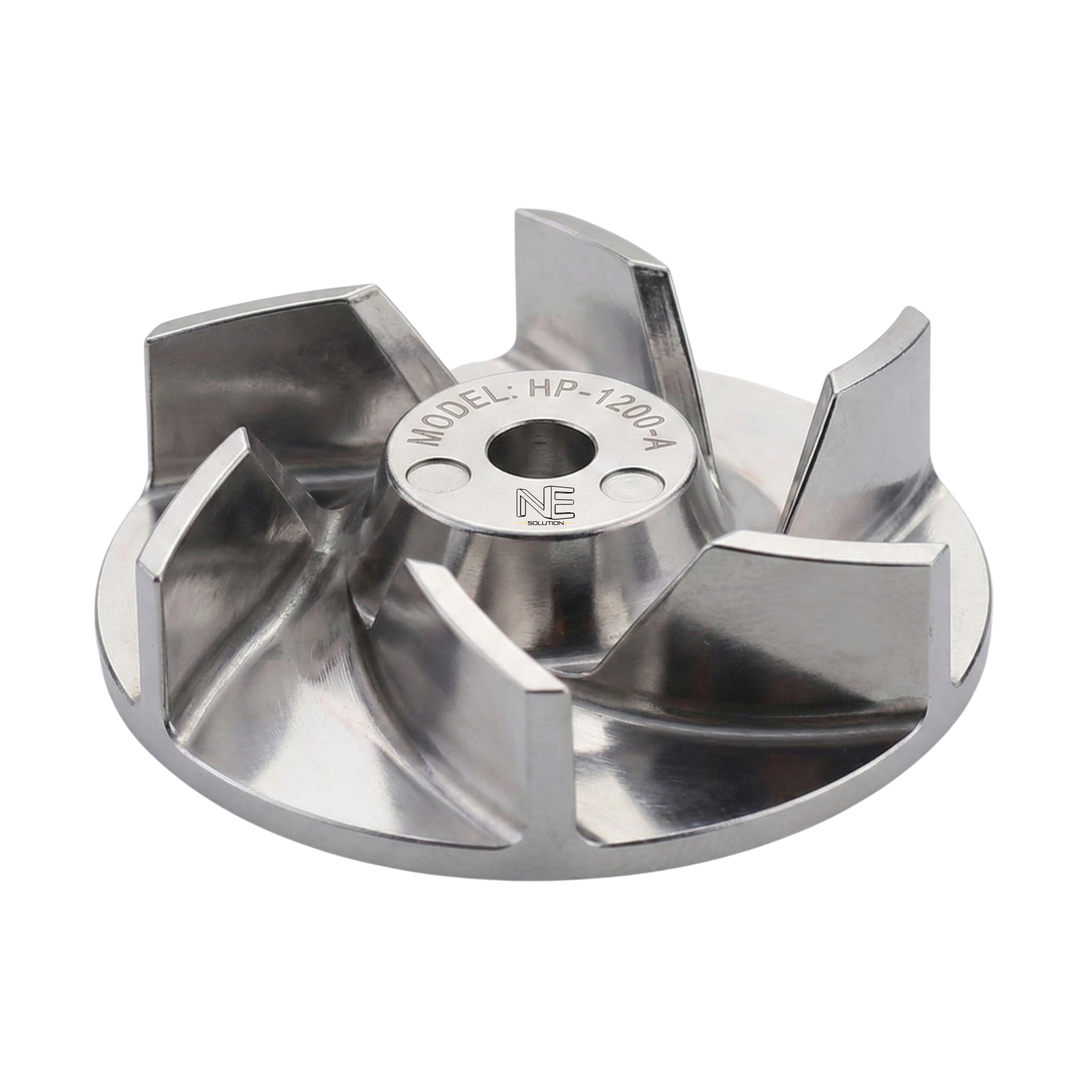
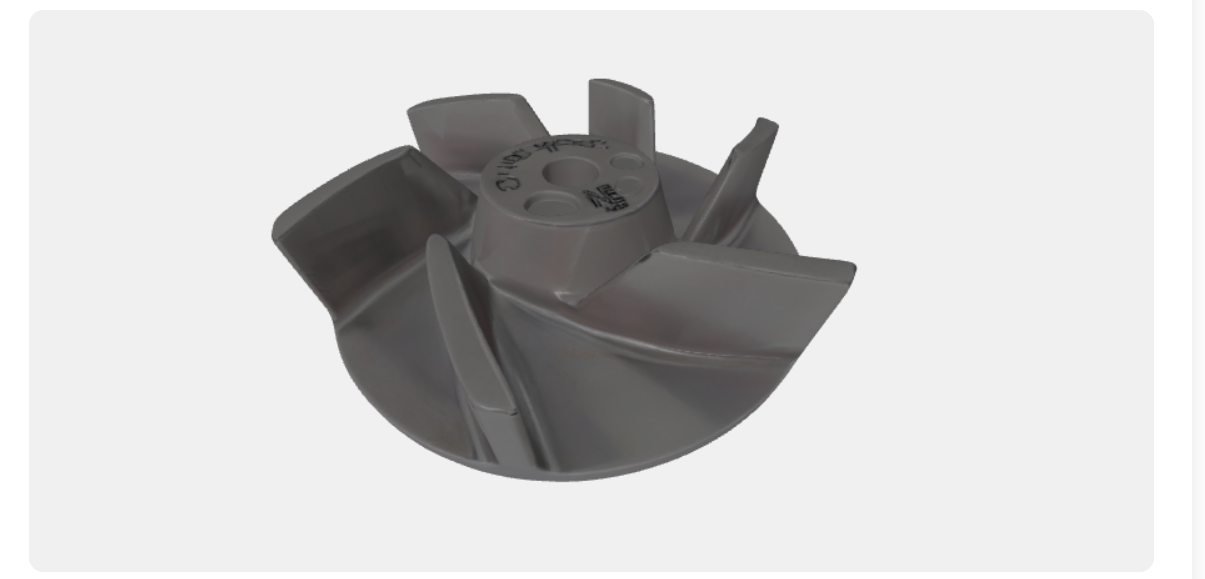
This stainless steel impeller was uploaded as a photo. NEshape generated a full 3D model — ready for printing and quoting in minutes.
Input — Source Photo
AI
Output — Generated 3D Model
Simple Process
How It Works
From photo to printed part in three easy steps.
Step 1
Upload or Describe
Upload a photo, sketch, or product image — or describe your idea in plain text.
Step 2
AI Generates Your 3D Model
Our AI engine transforms your input into a precise 3D model in minutes.
Step 3
Instant Quote & Order
Your model is automatically prepared for 3D printing with a real-time cost estimate.
Get Started
Generate Your Model
Choose image-to-3D for the best results on physical parts.
Text-to-3D works great for concept models and general shapes.
FAQ
Frequently Asked Questions
Everything you need to know about NEshape.
What types of objects work best?
Physical parts, components, products, and objects with clear geometry.
Image-to-3D produces the most accurate results.
How accurate is the generated model?
Results vary by input quality. A clean, well-lit photo from multiple angles
gives the best geometry. Models are suitable as a starting point for quoting
and printing.
What file format is produced?
STL — the industry standard for 3D printing, compatible with all major
slicers and manufacturing workflows.
How long does it take?
Model generation typically takes 1–3 minutes. The upload and quote
preparation takes up to 2–3 minutes depending on file size.
What happens after I get a quote?
You can review the quote and place an order directly through the NESolution
platform. Our team will contact you to confirm details.